
What to Look For When Buying a High-Performance Graphics Card
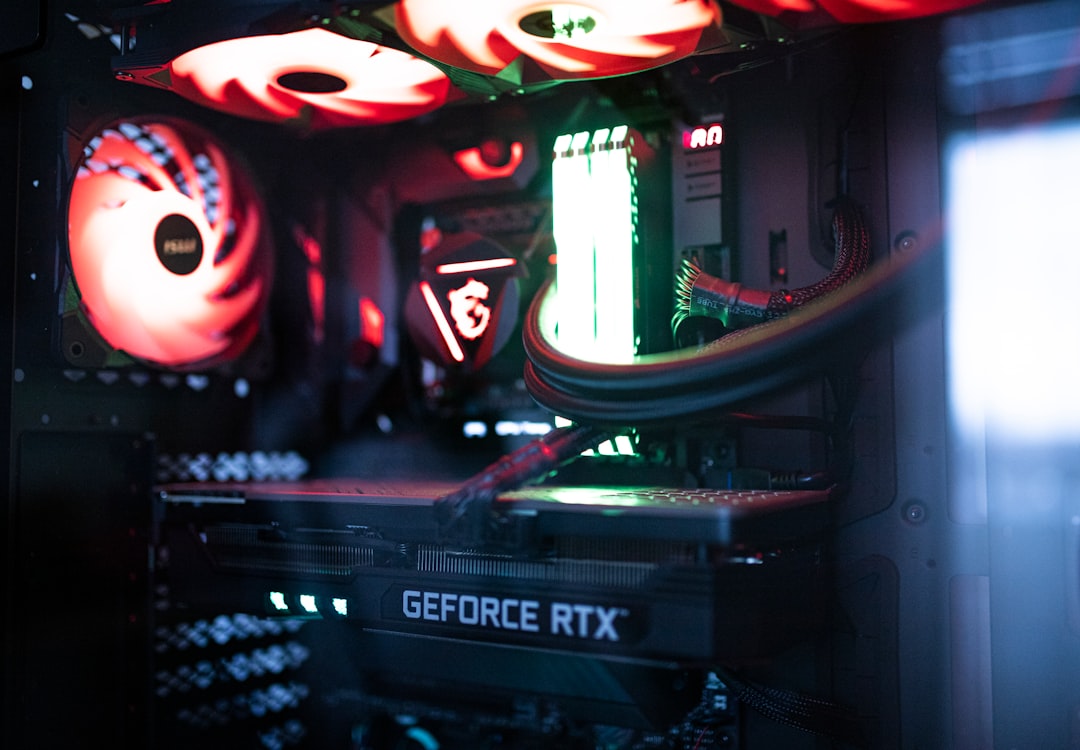
Choosing the right graphics card is crucial for any gaming enthusiast looking to enhance their gaming experience. With the rapid advancements in technology, the options available can be overwhelming. This guide will help you navigate the essential features and specifications to consider when purchasing a high-performance graphics card, ensuring you make an informed decision that aligns with your gaming needs.
Understanding Graphics Card Specifications
The first step in selecting a high-performance graphics card is to familiarize yourself with its specifications. Key specifications include GPU architecture, memory size, and clock speed. The GPU architecture determines the card’s efficiency and performance capabilities, while the memory size impacts how well the card can handle high-resolution textures and complex graphics.
Additionally, clock speed, measured in megahertz (MHz), indicates how fast the GPU can process data. A higher clock speed generally translates to better performance, but it should be considered alongside other factors like cooling solutions and power consumption. Understanding these specifications will provide a solid foundation for your purchasing decision.
Evaluating Performance Benchmarks
Performance benchmarks are essential for assessing how a graphics card performs in real-world gaming scenarios. Websites and platforms dedicated to hardware reviews often publish benchmark results that compare different graphics cards across various games and applications. These benchmarks can help you gauge how well a card will perform in the titles you intend to play.
When evaluating benchmarks, pay attention to the resolution and settings used during testing. A card that performs well at 1080p may struggle at 4K resolutions. Look for benchmarks that reflect your gaming preferences to ensure the card meets your expectations in terms of performance and visual fidelity.
Considering Compatibility and Power Requirements
Before purchasing a graphics card, it’s vital to ensure compatibility with your existing hardware. Check your motherboard’s specifications to confirm that it has the appropriate PCIe slots and supports the card you intend to buy. Additionally, consider the physical dimensions of the card, as some high-performance models can be quite large and may not fit in smaller cases.
Power requirements are another critical factor. High-performance graphics cards often require more power than standard models, so ensure your power supply unit (PSU) can handle the load. Look for the recommended wattage and connector types specified by the manufacturer to avoid any compatibility issues.
Assessing Cooling Solutions
Effective cooling is essential for maintaining optimal performance and longevity of your graphics card. High-performance cards generate significant heat, especially during intense gaming sessions. Evaluate the cooling solutions offered by different models, such as air cooling or liquid cooling systems.
Air-cooled cards typically feature multiple fans and heatsinks to dissipate heat, while liquid-cooled options use a closed-loop system for more efficient cooling. Consider your gaming environment and noise tolerance when choosing between these options, as some cooling solutions can be louder than others.
Budgeting for Your Purchase
Finally, establish a budget for your graphics card purchase. High-performance graphics cards can vary significantly in price, so it’s essential to determine how much you are willing to invest. Keep in mind that while it may be tempting to opt for the latest model, previous generation cards can offer excellent performance at a lower price point.
Researching sales, discounts, and bundle deals can also help you find the best value for your money. Remember to factor in potential additional costs, such as upgrading your PSU or cooling system, to ensure your overall budget accommodates your gaming setup.
Step-by-step plan:
Step 1: Research the latest graphics card specifications and performance benchmarks. Step 2: Check compatibility with your motherboard and power supply. Step 3: Evaluate cooling solutions based on your gaming environment. Step 4: Set a budget and look for the best deals available.